Drone Delivery Manifest: File IDs, Versions and Checksums
A worked file manifest separates completeness, file integrity and creative acceptance, with a reproducible SHA-256 verification example.
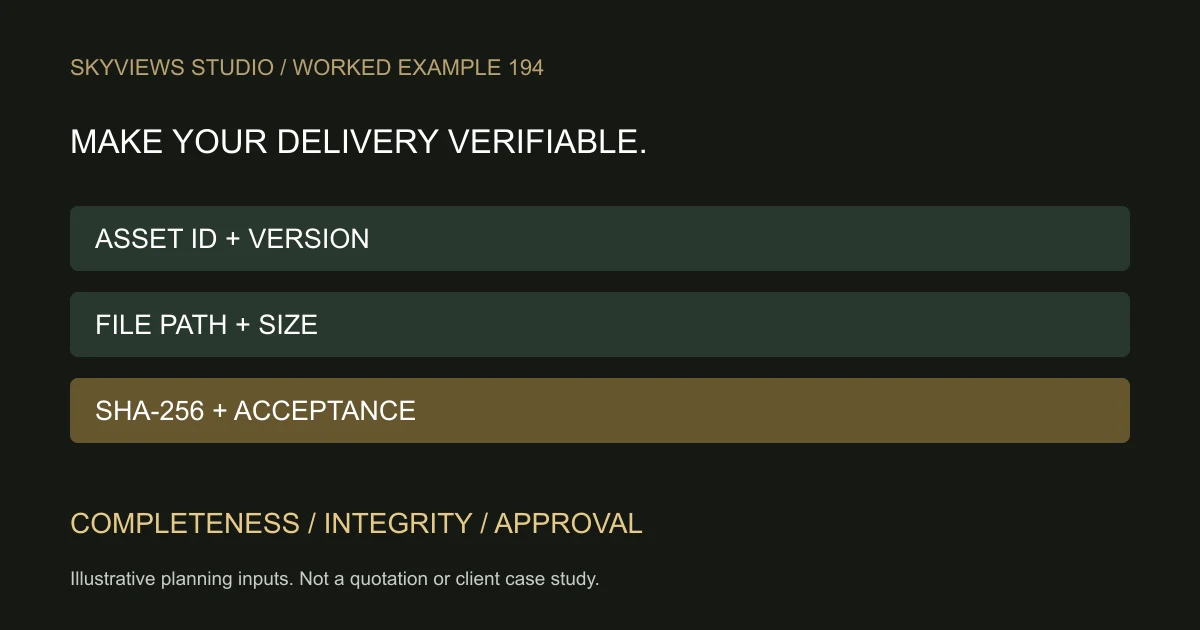
Give the recipient a list they can verify
A delivery link tells a client where files are stored. A manifest explains what should be there, which version is current and how the recipient can check the transfer. It is useful when a project includes stills, several edit formats and later revisions that could otherwise be confused.
The example below is a fictional handoff, not a record of a client project. It separates three checks: completeness, file integrity and creative acceptance. Passing one does not automatically pass the others. A film can match its supplied checksum and still be the wrong approved edit.
Build a small manifest
Record a delivery ID, issue date, project reference and the person responsible for clarifications. For each file, record the relative path, stable asset ID, version, purpose, file size in bytes and SHA-256 checksum. Also identify the agreed scope item it fulfils. Avoid including private client details in publicly shared example manifests.
| Asset ID | Relative file path | Version | Scope item |
|---|---|---|---|
| FILM-01 | video/site-overview-v02.mp4 | v02 | Approved landscape film |
| FILM-02 | video/site-overview-vertical-v01.mp4 | v01 | Vertical campaign version |
| PHOTO-01 | stills/approach-view-v01.jpg | v01 | Selected approach still |
This table shows the naming structure only. Real file sizes and hashes must be generated from the actual final files; do not copy invented values into a delivery record. A revised file needs a new version and checksum. Retain a clear record of which prior file it replaces.
Understand what a checksum proves
A checksum is calculated from the file's contents. The receiver can calculate the same algorithm on the downloaded copy and compare it with the expected value. A matching result supports the conclusion that the bytes match the file represented by that checksum. It does not establish who captured the footage, whether the capture was lawful or whether the depicted scene is authentic.
Obtain the expected manifest through a trusted project channel. If someone can replace both a file and its listed checksum, comparing the two does not authenticate the sender. A checksum is also not a substitute for malware scanning, access control or a backup policy.
Check a file on Windows
Microsoft documents the PowerShell Get-FileHash command. For a known downloaded file, an example command is Get-FileHash -LiteralPath 'C:\\Delivery\\site-overview-v02.mp4' -Algorithm SHA256. Replace the example path with the file being checked. This reads the file and reports its hash; it does not change the file.
Compare the complete hash with the manifest, not just the first few characters. If it differs, keep the two versions separate and ask the sender to verify the file and expected manifest. Do not rename an uncertain file “approved” merely to make a folder look complete.
Complete the acceptance record
First compare the file list with the agreed scope and report anything missing. Next verify transfer integrity where required. Then open the files in the intended viewing or editing software and check the agreed dimensions, orientation, duration and playback. Creative feedback and technical exceptions should be recorded separately.
State who accepted the delivery and what remains open. If a preview is supplied before approval, label it as a preview and do not mix it with final files. Confirm the download window and retention arrangement with the supplier; the presence of a cloud link does not promise permanent storage.
Discuss the required manifest alongside the project scope and aerial production deliverables. Agreeing the handoff before capture helps the production team deliver files the receiving team can actually identify and use.
Plan your project
Share your site, dates and intended output so we can confirm a suitable scope.
Aerial Imaging & Cinematics · Compare project scope · Get in touch
Related reading
- Drone Media Archive, Backup and Delivery Workflow for Commercial Projects
- Drone Project Closeout and Handover Checklist for Indian Clients
- Compare Two Drone Quotes: A Worked Scope Example
Contact SkyViews Aerial Drone Studio at +91 90190 56479 or skyviewsdronestudio@gmail.com. Service area: Bangalore, Karnataka and India and wider Bangalore, Karnataka and India.