Restaurant, Café and Venue Drone Photography in Bangalore
How restaurants, cafés, resorts and event venues can use aerial content to show setting, access, architecture, outdoor dining and guest...
By SkyViews Aerial Drone Studio
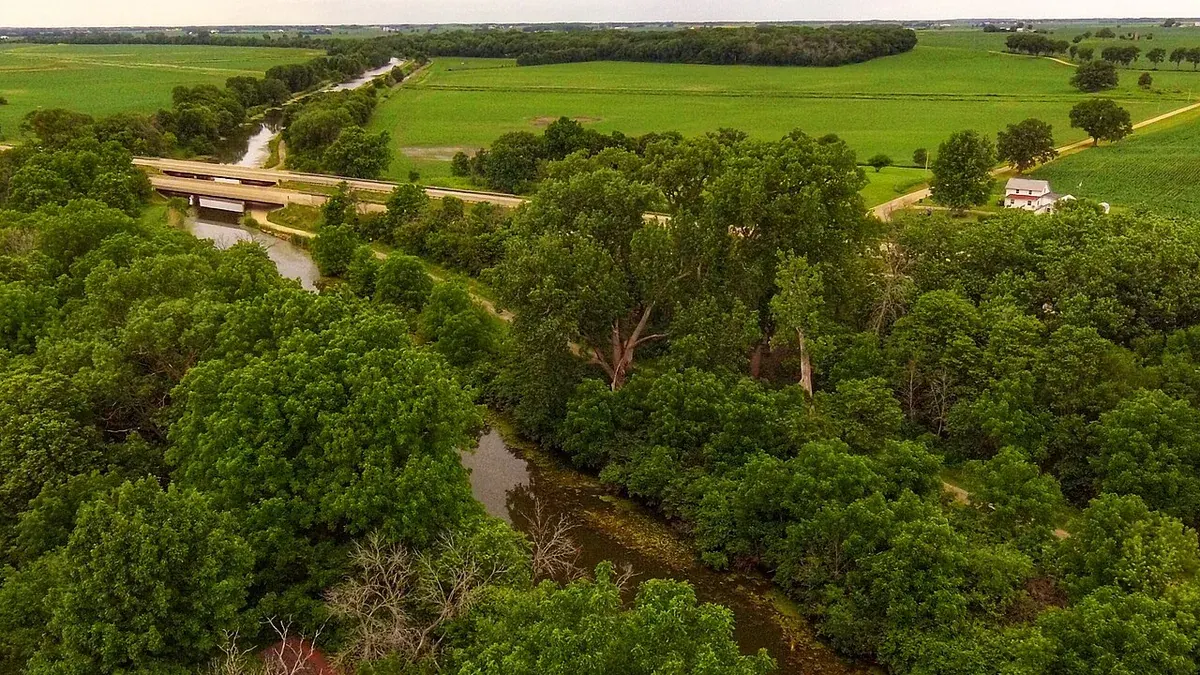
Aerial content can help a restaurant or venue show more than the menu: setting, approach, outdoor areas, architecture, landscape, parking, event capacity and the experience around the table. The brief should still be grounded in the real property and the audience’s booking decision.
Choose the customer question
Decide whether the content should explain access, ambience, weddings, corporate events, outdoor dining, resort setting, new opening or seasonal campaign. List the views and facilities that should be visible without filming private guests unnecessarily.
Coordinate a quiet window
Share opening hours, events, staff, guests, kitchen or service areas, parking, neighbouring property, security and a site contact. A pre-opening capture often provides more control, while a live event needs a separate crowd-safety plan.
Combine aerial and ground visuals
Use aerial views for context, then ground photography or video for food, interiors, service, people and detail. Do not imply that a temporary setup, seasonal menu or planned facility is always available.
Confirm rights and delivery
Specify stills, short reels, a venue film, vertical edits, raw footage, music, guest privacy, captions, usage channels and review. Read the hospitality guide and event safety guide.
Decide what a visitor needs to know
A café in a busy street, a garden restaurant and a wedding venue need different aerial stories. A café may want to show its corner location and easy arrival. A garden restaurant may want to show how outdoor tables sit within the landscape. An event venue may need to explain the ceremony lawn, covered backup space, guest entry and parking. Start with the visitor's likely question, then choose the view that answers it. A drone shot that only circles a roof may look lively but leave the visitor unsure where the entrance is.
Write a short brief with audience, booking action, key areas, current amenities and one main message. For a restaurant, the booking action may be a dinner reservation. For a venue, it may be a site visit. If the property has a view over a lake or garden, show the view from a place guests can actually access. Avoid implying that diners can sit on a closed terrace or that every booking includes an event setup shown for one special occasion.
Map a truthful arrival sequence
Walk the guest route before flying. Identify the public road, turning point, gate, parking area, walking entrance and any separate event entry. A wide view can show the setting; a lower, controlled view may show the entrance. Ground footage can finish the route through reception to a table or event area. If the site shares a gate with another business, make that clear in the edit. If parking is limited or handled off-site, do not hide the fact behind a wide aerial of nearby open land.
Check what the camera can and cannot show. A drone cannot prove travel time, current traffic conditions, accessibility for every visitor or legal rights to a neighbouring road. The venue team should approve any map labels or access claims. For websites, pair the film with an accurate address, map link and written directions. The aerial view supports orientation; it does not replace practical booking information.
Choose the right time for each scene
A quiet pre-opening window offers clean exterior views and fewer privacy issues. It may also make a venue look empty when its real appeal is a lively evening. Plan separate scenes: a calm property overview, a staged or approved service moment, and, if needed, a live event with its own consent and safety plan. Sunset can suit outdoor dining, but fading light may make surrounding roads harder to read. Consider capturing a daytime orientation view and an evening ambience view rather than asking one flight to do both jobs.
Share the service schedule with the crew. Delivery vehicles, staff breaks, table setup and guest arrival all affect safe operating space and the look of the image. Designate a venue contact who can pause a take when a guest enters the planned area. The pilot checks current airspace, wind, obstacles and safe take-off options. Aerial footage near a crowded dining area may be unsuitable; a ground camera or elevated fixed camera can answer the same visual question with less disruption.
Use aerial views for context, ground views for experience
Food, hospitality and interior atmosphere are human-scale subjects. Use a drone to show how the terrace, garden or event lawn relates to the building and neighbourhood. Use ground photography for dishes, lighting, staff, seating, decor and conversation. The edit should move from “where is this place?” to “what is it like to be there?” A reel made only of overhead shots may fail to show the menu, service or seating that make someone book.
Keep visual continuity. A lunch menu filmed indoors should not be paired with an aerial of a night event in a way that suggests the two are one regular service. If a terrace is seasonal, record that in the asset notes. A temporary wedding stage should be labelled as a sample event layout. Verify capacity figures with the venue manager; the drone can show the footprint but not certify a permitted guest count.
Protect guests and neighbouring spaces
Ask where filming is allowed, who can be identified, and whether neighbouring homes or workplaces appear in a proposed view. An overhead shot can reveal more private detail than the operator sees on a monitor. Make a no-film map for guest rooms, private dining, staff service areas and nearby property. If a live event is part of the brief, agree how participants are informed and who handles consent or opt-outs. The privacy planning guide provides a fuller checklist.
Sponsor logos, music and artwork can also carry usage limits. A restaurant may have permission to display a brand sign on site but not to use its logo in a paid campaign. An event planner may own the decor concept or require approval of a recap. Put the intended uses in the brief: website, booking platform, social channels, paid adverts or partner posts. This avoids a rushed rights conversation after the edit is finished.
Build deliverables for the real channels
Ask where each file will appear. A website header may need a short, text-free horizontal loop. A booking profile may need clear stills of the entrance and outdoor area. A social reel needs portrait-safe composition and a strong first few seconds. A wedding sales deck may need labelled images of event zones. Plan these formats at capture time; a crop cannot restore a terrace or sign that was outside the original frame.
Deliver files with simple labels such as “main entrance daytime,” “garden dining sunset,” and “event lawn wide.” Include the capture date and a note if a scene was staged. Keep a clean master and separate captioned versions. The venue team should check menu, amenity, location and access statements before publication. If the property changes its layout or name, an asset list helps the team retire old content instead of accidentally reposting it.
Example: a garden café with an event lawn
Suppose a café on Bangalore's edge wants more weekend bookings and enquiries for small celebrations. The owner wants to show the garden, outdoor tables, event lawn and parking. The brief identifies two audiences: diners and event planners. The crew captures a daytime view that explains the road, gate and parking, then a quiet garden overview. Ground images show the current menu and seating. A separately approved evening setup shows how the lawn can be dressed for an event, with a caption that calls it an example layout.
The dining reel starts with the garden and moves to food and tables. The event reel starts with arrival and shows the lawn in relation to the café and covered area. Both use accurate contact details and current amenities. The owner reviews any guest faces and confirms the parking and capacity wording. The result is more useful than one generic drone montage because each edit answers a real booking question.
A booking checklist for the venue team
Before requesting a quote, gather the address, property contact, expected audience, desired channels, opening hours, quiet windows, no-film areas and current amenity list. Note whether food, interiors, staff or guests must be filmed on the ground. Ask the producer to explain what can be captured safely, what might require another date, and how many rounds of editing are included. Confirm who approves the final claims and rights. A clear brief makes the scope and deliverables easier to compare between providers.
FAQs
Can a restaurant be filmed while guests are present?
It may be possible with venue approval, privacy planning, controlled timing, people separation and current flight-feasibility review.
Can aerial content show parking and access?
It can show visible approach and context, but access or travel claims should be checked by the venue before publication.
Can venues request social-media reels?
Yes. Ask for vertical framing and dedicated short edits in the initial brief.
Plan your project
Share your site, dates and intended output so we can confirm a suitable scope.
Explore drone services · Compare project scope · Get in touch
Related reading
- Museum and Cultural Venue Drone Photography in India: Planning Guide
- Corporate Annual-Report Drone Photography in India: Planning Guide
- Commercial Drone Data Security in India: Client Planning Guide
- Data Centre Exterior Drone Documentation in India: Security-Conscious Guide
- Post-Flood Drone Damage Assessment for Infrastructure in India
- Apartment Society Roof and Facade Drone Inspection in Bangalore
Contact SkyViews Aerial Drone Studio at +91 90190 56479 or skyviewsdronestudio@gmail.com. Service area: Bangalore, Karnataka and India and wider Bangalore, Karnataka and India.