Drone Video Post-Production in Bangalore
How commercial clients should plan drone-video editing, stabilisation, colour grading, music, captions, revisions and final exports.
By SkyViews Aerial Drone Studio
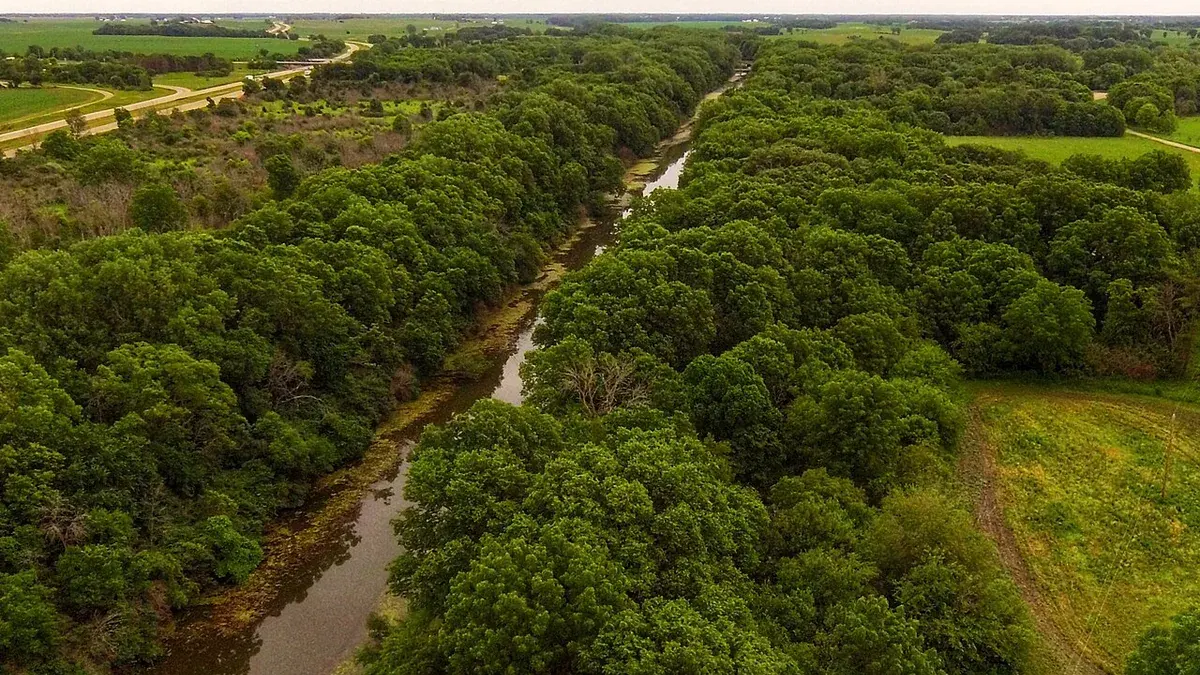
Aerial footage becomes useful after it is selected, organised and edited for a purpose. Post-production can create a property film, construction update, brand story, event recap, vertical reel or inspection report, but each requires different decisions and review standards.
Define the edit before filming
State audience, message, duration, aspect ratio, platform, voice-over, captions, music, brand assets, language, deadline and approval contact. The editor can then request the right coverage instead of forcing every shot into one generic montage.
What post-production may include
Selection, assembly, pacing, stabilisation, reframing, colour correction, grading, sound design, licensed music, titles, captions, logo animation, map labels, privacy masking and platform exports. List each item if it matters to the quote.
Review professionally
Use timecodes and one consolidated feedback list. Separate factual corrections, brand changes, colour preferences, new scenes and new formats. Agree the number of review rounds and what happens when the requested story changes after approval.
Keep technical and marketing outputs separate
A polished film is not the same as a survey, inspection or evidence record. Maintain originals and technical exports separately from the public-facing edit, with filenames and versions that make the difference obvious.
Build the edit from one clear brief
The editor needs to know who should watch, what they should understand and what action should follow. A property buyer may need to see approach, building and surroundings. A construction manager may need a dated change record. An event viewer may want a short recap. These films should not be cut from the same default template. Put the audience, main message, must-show shots, factual claims, target length and publishing channels in a one-page brief. Name one person who can approve the story.
Mark footage that must not be used publicly. A shoot may contain security details, private guests, unfinished work or neighbouring property. The editor should receive the rights and no-use notes alongside the files. If a scene is missing, ask the client whether a graphic, ground view or revised story is acceptable. Editing cannot create an uncaptured aerial angle or prove an unverified fact.
Organise the media before cutting
Copy the source files safely and keep an untouched original set. Sort by date, location, camera, shot and usage restriction. A simple log helps the editor find the intended entrance or work front rather than relying on file names from the camera. If multiple visits are combined, keep capture dates attached. A new exterior and an old interior should not be cut as one current tour unless the client has checked that the property still matches.
Select shots for clarity before beauty. Is the subject sharp? Does the angle explain where it is? Does the frame contain a private detail or an outdated sign? A slow, clear view may serve the brief better than a dramatic orbit. Keep the unused source in the archive; the final edit should not become the only record of what was captured.
Make a rough cut in story order
Start with a simple sequence: orientation, key evidence or experience, then a closing action. For a property film, that may be arrival, building, grounds and contact. For progress, use dated before and after views with consistent labels. For a brand film, aerial footage may only be the opening or transition while people and products carry the main message. The rough cut should show whether the story works before time is spent on colour and effects.
Ask the client to review the rough cut for missing facts and wrong order. Is a planned facility shown as complete? Is the road approach accurate? Is a work zone labelled with the right block? These corrections are easier now than after titles, sound and platform versions have been created. One consolidated response from the client avoids contradictory comments from several departments.
Use colour to match, not to mislead
Colour correction can make exposure and white balance consistent across clips. A creative grade can set a mood. Neither should make a site appear materially different from its real condition when the video is used as documentation. For a progress or inspection film, keep colours readable and avoid heavy effects that hide stains, surfaces or change. For marketing, check that brand colours, landscaping and building finishes still look believable.
Different cameras, days and light may require more matching work. A clip shot at noon cannot always be made to look like the same moment as a sunset clip. If the campaign needs one continuous time of day, plan that during production or allow the edit to show a passage of time honestly. Keep the source files for technical or factual review.
Plan sound, music and captions early
Drone camera sound is often unsuitable for a finished film. Decide whether the edit needs narration, interview sound, ambient sound, music or silence. Check the licence for music in the channels where the film will be used, including paid ads if planned. A track licensed for one post may not cover every future use. Put the licence information in the project handover.
Captions make a film easier to follow without sound. Use short, accurate lines and check names, dates, distances and service claims. A map label should not claim legal access or approval solely because a route is visible from above. Ask the property, project or legal owner to review factual text. For a multilingual campaign, allow time for translation review rather than auto-generating a final subtitle file without checking local names.
Review with timecodes and one decision owner
Send a review link or file with a version number. Ask reviewers to write comments such as “00:18: replace north gate view with current entrance” rather than “make it better.” Separate a factual correction from a new creative request. If the main story changes after the rough cut, the schedule and price may change. Agree in advance how many rounds are included and who consolidates feedback.
Keep a change log for each version. The client can see which comments were applied and which need another decision. After final approval, lock the master before making platform crops. This prevents a late caption change in one reel from leaving a conflicting caption in another.
Export for the actual destination
Website, presentation, vertical social feed and paid media may need different shapes, duration, text-safe areas and file sizes. A wide master cropped to portrait can cut off the entrance or subject. If portrait matters, plan a separate crop or use footage framed for it. Test exports on a phone and a desktop, with captions on and off. Check the first and last frames, logo placement, audio level and whether a platform's interface covers text.
Deliver a clean master, approved channel versions and a short manifest with version, dimensions, duration, codec and usage notes. Raw footage or project files should be listed separately if included. The deliverables guide explains the file choices a client can request.
Example: a warehouse launch film
Suppose a warehouse owner needs a website film and two social reels. The brief says the audience is prospective tenants and the main facts are current access, building scale and available loading areas. The editor organises footage by location and date, then cuts a short route from the public gate to the building. A close ground shot shows the loading doors. The owner corrects an old gate label in the rough cut. The editor matches colour across two shoot days, adds licensed music and captions approved by the property team.
For the portrait reel, a separately framed entrance shot replaces a wide view that cropped poorly. The final delivery includes a text-free master, website export and two portrait files with version numbers. The source archive remains separate, including a restricted progress clip that was never intended for public use. The process gives the client a film that answers a tenant question and a record of what was approved.
A brief to send before editing starts
Give the editor the audience, message, current facts, must-use and no-use footage, channels, formats, brand assets, music needs, language, deadline and one approval contact. Ask for rough-cut timing, review rounds, final exports and archive terms. If the job includes inspection or mapping data, keep that technical handover separate. Good post-production makes the right images understandable, accurate and easy to use; it does not turn weak or incomplete source footage into evidence it never captured.
See the deliverables guide and media archive workflow.
FAQs
Does colour grading fix every aerial clip?
No. It can improve a usable image, but it cannot reliably recover missing detail, severe motion, unsafe framing or a shot that was never captured.
How many revision rounds should be included?
The agreement should state a practical number based on project complexity and define the difference between a correction and a new edit.
Can one master export serve every platform?
Not always. Widescreen, vertical, square and paid-media versions may need different crops, pacing, captions and safe areas.
Plan your project
Share your site, dates and intended output so we can confirm a suitable scope.
Film, TV & OTT Production · Compare project scope · Get in touch
Related reading
- Startup Brand Film with Drone Video in Bangalore: Brief and Production Guide
- Drone vs Helicopter Aerial Filming in India: Production Comparison
- Film, TV & Advertising Drone Production in Bangalore: Pre-Production Guide
- Indoor FPV Drone Filming in Bangalore: Production and Safety Guide
- Restaurant, Café and Venue Drone Photography in Bangalore
- Data Centre Exterior Drone Documentation in India: Security-Conscious Guide
Contact SkyViews Aerial Drone Studio at +91 90190 56479 or skyviewsdronestudio@gmail.com. Service area: Bangalore, Karnataka and India and wider Bangalore, Karnataka and India.