Product Launch Drone Photography and Video in Bangalore
How brands can use aerial content for product launches, factory reveals, retail campaigns, mobility, automotive and outdoor activation films.
By SkyViews Aerial Drone Studio
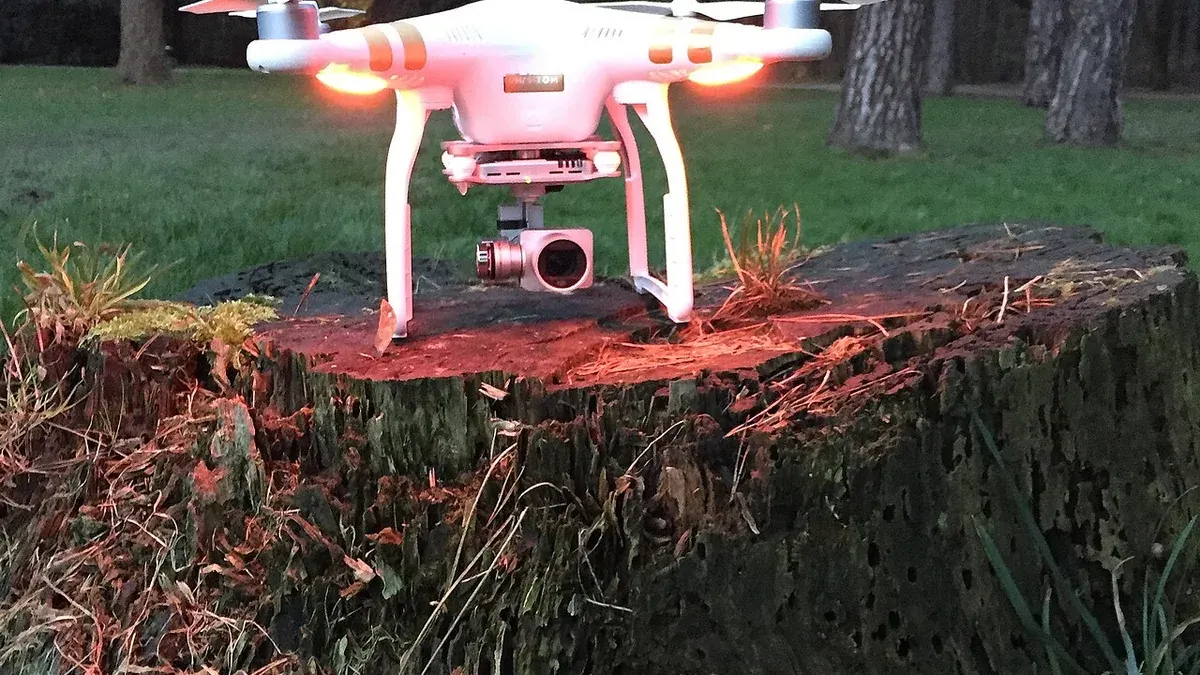
A product-launch drone film should make the product easier to understand, not hide it inside a collection of dramatic moves. The production brief should connect location, product benefit, audience, launch message and required outputs before the team plans the flight.
Define the launch story
Choose whether the story is product scale, performance, mobility, manufacturing, outdoor use, retail presence, infrastructure or the people behind the launch. List the one or two product details that must remain clear in every edit.
Plan the location and choreography
Share the site, route, access windows, vehicles, machinery, talent, private areas, brand guidelines, safety contact and no-film zones. A product launch involving moving vehicles or people needs rehearsals and a clear separation plan; an aerial camera is not a substitute for a controlled production set.
Capture for every channel
Specify hero film, launch-event screen, website, vertical reels, paid ads, stills, raw or log media and cutdown deadlines. If the product needs close detail, combine aerial footage with ground or gimbal coverage rather than forcing the drone to do every job.
Protect accuracy and rights
Confirm the final product version, claims, logos, music, talent, location and intended usage. Do not show a prototype as if it were the final production model without clear approval. See the licensing guide and deliverables guide.
Build the launch brief around one customer question
A launch film works when a viewer understands what the product is, who it is for and why it matters. Write those answers in simple sentences before choosing camera moves. A factory reveal may support a story about production capacity. A wide campus shot may help show where a service operates. Neither image explains a small product feature as well as a close ground shot or a demonstration.
Choose one main audience for the first edit: customers, dealers, investors, employees or the press. They may need different proof. Customers may want to see the product in use. Dealers may need a clear view of the range. Investors may need a truthful picture of the current operation. A single aerial montage cannot answer every audience equally well, so plan one master story and specific shorter versions.
Turn the message into a shot sequence
Start with an establishing image that tells the viewer where the product belongs. Follow with the product being used, a useful detail, a person or process behind it, and the next action. Mark which shot makes each point. If the aerial image contributes only energy, decide whether the edit has already established the subject. Too many similar flyovers can delay the moment when viewers see the product clearly.
For a vehicle or outdoor product, plan both a wide movement and a close detail. The wide view can show route or setting; the close view can show shape, controls or the user experience. For a software or indoor launch, the most useful aerial image may be a short location opener, while screen capture, interviews and demonstration carry the explanation. Ask the editor to show a rough sequence before the crew commits to a large aerial shot list.
Check the real location, not just the storyboard
Send the exact Bangalore location, site boundary, proposed launch point, date, nearby public areas and expected people or vehicle movement to the drone operator. A client may control a factory yard but not the road beside it. A rooftop may offer a dramatic camera position but still need access and flight checks. Use the flight permission planning checklist to gather the facts. The operator must check current official requirements, airspace, weather and site conditions for the actual operation.
At the site walk, identify power lines, cranes, signs, temporary structures, staff routes, neighbours and places the camera should avoid. Choose a controlled operating area and a ground fallback. If a shot needs a moving car or machine, agree its route, speed, start signal and stop signal with the responsible site team. Do not improvise a chase through normal traffic because a launch deadline is close.
Rehearse movement without making people props
Mark where performers, staff, vehicles and the camera crew will be. A rehearsal can show whether the product stays visible, whether a shadow crosses the subject or whether the planned move puts anyone in an unwanted position. The pilot should be able to refuse or change a shot when people enter the area. A client producer can then switch to a ground camera or a wider angle without holding up the whole shoot.
Tell employees and hired talent where the images may be used. A product film may later become a paid advertisement, a trade-show loop and a social clip. Rights and consent should cover the actual uses. If customers or bystanders appear, the team should review the scene before public release rather than assume a wide frame makes them irrelevant.
Design for the launch channels at capture
A widescreen hero film and a vertical phone clip place the product differently in frame. If the main subject is near the edge of a wide aerial shot, a later vertical crop may remove it. Ask the camera team to leave room for text and platform controls, capture a few deliberate vertical options when suitable and record clean opening and closing frames. A dedicated vertical edit often tells the story better than a simple crop.
Write the delivery list in the quote. It might include a ninety-second launch film, a thirty-second cut, two short vertical edits, selected stills and a silent loop for the event screen. State the dimensions, captions, languages, logo files, music rights, review rounds and deadlines. “All launch content” is not a measurable deliverable. Separate a same-day teaser from a polished final film so the team can make realistic promises.
Protect the truth of the product claim
Before filming, confirm which model, colour, specification and packaging are final. A prototype can be shown, but the caption should say what it is. If a vehicle or device is demonstrated under controlled conditions, avoid editing that implies a different use or performance. Keep a product owner on the approval list to check labels, visible screens, logos and factual statements. A legal or regulatory reviewer may be needed for some claims.
For factory or warehouse launches, avoid implying that a staged line represents normal output. A wide building shot tells a location story; it does not prove a production rate. If the campaign refers to a new facility that is still being built, use accurate dates and wording. Honest visual context is more useful to customers than a grand image that creates the wrong expectation.
Give editing a clear approval path
Name one person who gathers feedback from brand, product, legal and sales. Ask reviewers to give comments with a timecode and a reason: wrong claim, wrong model, privacy issue, missing product detail or preference. A single collected round helps the editor work faster than conflicting messages from several people. Approve the story and facts first, then colour, graphics and music.
Check the final files on the screens that will show them. A launch-stage display may be bright and silent. A social feed may show the first seconds without sound. A website banner may crop the top and bottom. Test captions, safe areas and product visibility in each version. Keep the approved masters and the right to use each asset documented for later campaigns.
Example: a Bangalore mobility launch
Imagine a brand introducing a new delivery vehicle. The film opens with the real operating site, then shows the vehicle leaving a controlled area. A ground camera shows the cargo space and driver controls. The aerial shot explains the route and scale of the setting, while a product specialist explains the features in plain words. The team does not film a fast public-road chase to make the vehicle look more capable.
Before shoot day, the producer confirms site access, product version, talent, route control and the pilot's flight feasibility. The editor prepares a stage version and vertical social version from the same approved story. If weather removes the aerial scene, the product demonstration and ground footage still make a complete film. That is a launch plan built around the product rather than one camera trick.
FAQs
Can a drone film moving vehicles for a launch?
It may be possible after a site-specific safety, crew, equipment, weather and compliance review with a controlled route and communication plan.
Is aerial video enough for a product launch?
Usually not. A strong launch package combines aerial scale with product detail, people, sound, copy and platform-specific edits.
Can launch footage be delivered in vertical format?
Yes. Plan vertical framing at capture and request a dedicated edit rather than relying only on a cropped widescreen master.
Plan your project
Share your site, dates and intended output so we can confirm a suitable scope.
Film, TV & OTT Production · Compare project scope · Get in touch
Related reading
- Automotive Drone Photography and Test-Track Films in Bangalore
- Drone Video Post-Production in Bangalore: Editing, Colour and Delivery Guide
- Startup Brand Film with Drone Video in Bangalore: Brief and Production Guide
- Wind Turbine Drone Inspection in India: Scope, Safety and Reporting Guide
- Drone Media Archive, Backup and Delivery Workflow for Commercial Projects
- Drone vs Helicopter Aerial Filming in India: Production Comparison
Contact SkyViews Aerial Drone Studio at +91 90190 56479 or skyviewsdronestudio@gmail.com. Service area: Bangalore, Karnataka and India and wider Bangalore, Karnataka and India.